Website planning notes

Before you commission
your next website.

Three practical articles on scope, choosing a designer and preparing a redesign.

Guide 01

Website design costs
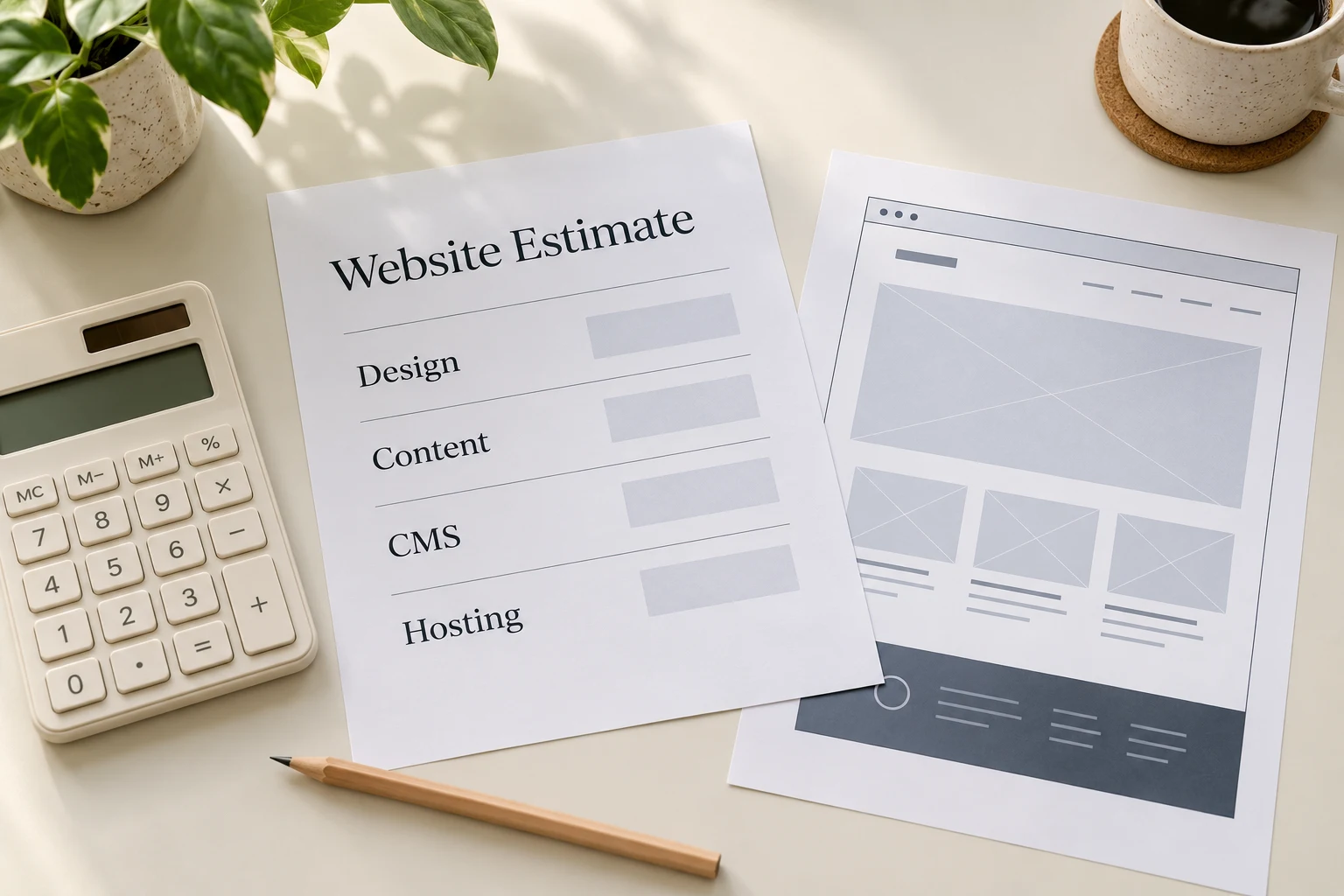
Website design costs planning illustration

Compare the same scope

Page count is one part of the cost. A quote should also explain the design work, CMS editing areas, content preparation, enquiry forms, languages and migration involved.

Separate the build from ongoing costs

Ask for domain and hosting renewals, licence fees if any, and maintenance to be listed separately. Check who controls each account and what happens if you change suppliers.

Write down what your staff will edit

Updating service text is different from adding new page layouts. Specify the content areas and ask for a demonstration of the editing process.

Check the handover

Confirm training, account access, review rounds and post-launch support before accepting a quote.
Back to contents ↑
Guide 02

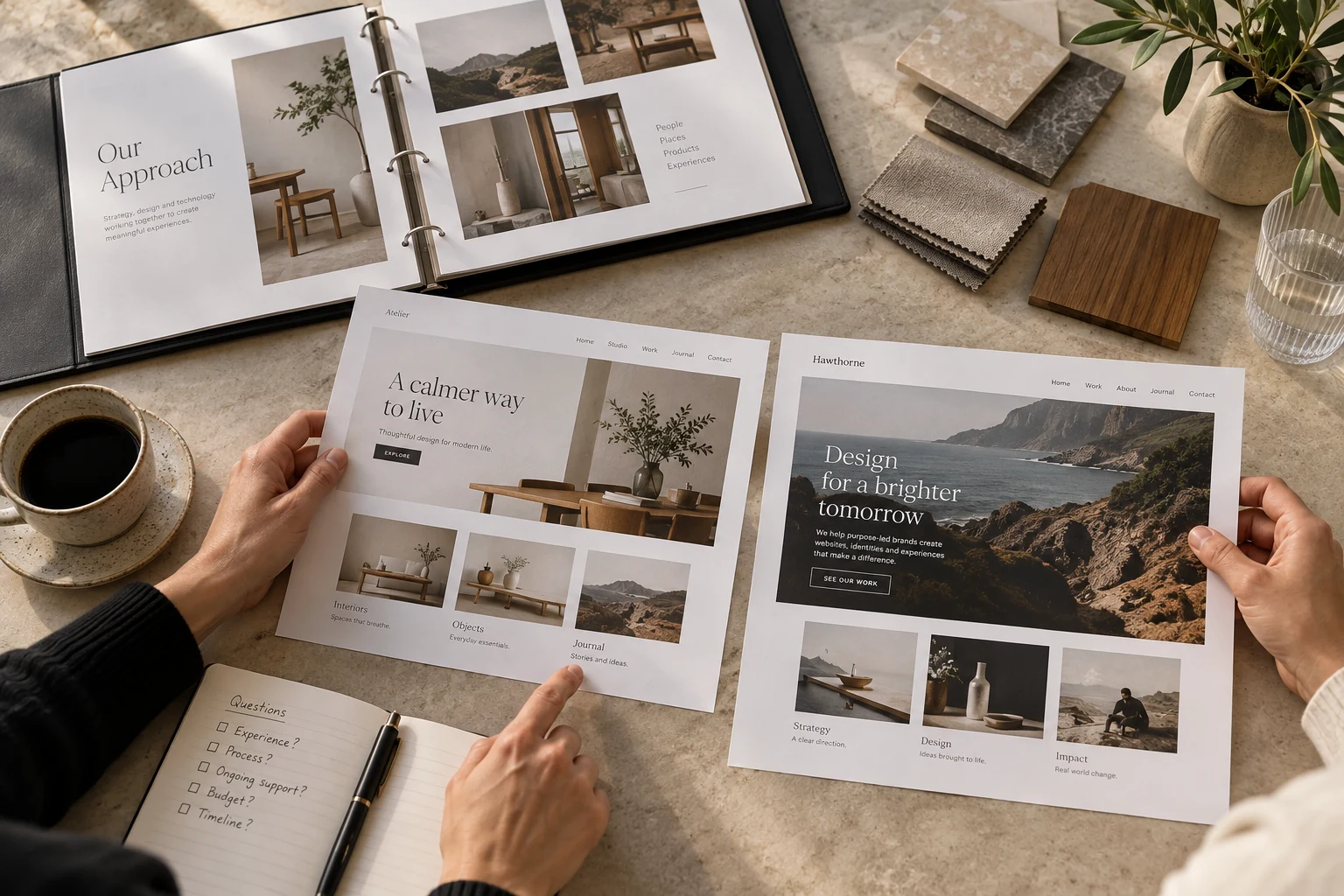
Choosing a website designer

Choosing a website designer planning illustration

What to check

Relevant work

Open examples on your phone. Check the navigation, service pages and contact forms. Ask which parts the supplier designed and built.

A written page list

The proposal should name the pages, content responsibilities, CMS editing areas and review stages.

Ownership and access

Confirm who holds the domain and hosting accounts, which access you receive, and the terms for moving the site later.

CMS demonstration

Ask to see how your staff would change a photograph, update a service or publish news.

Ongoing costs

Check renewals, maintenance and the price of changes outside the original scope.

Back to contents ↑
Guide 03

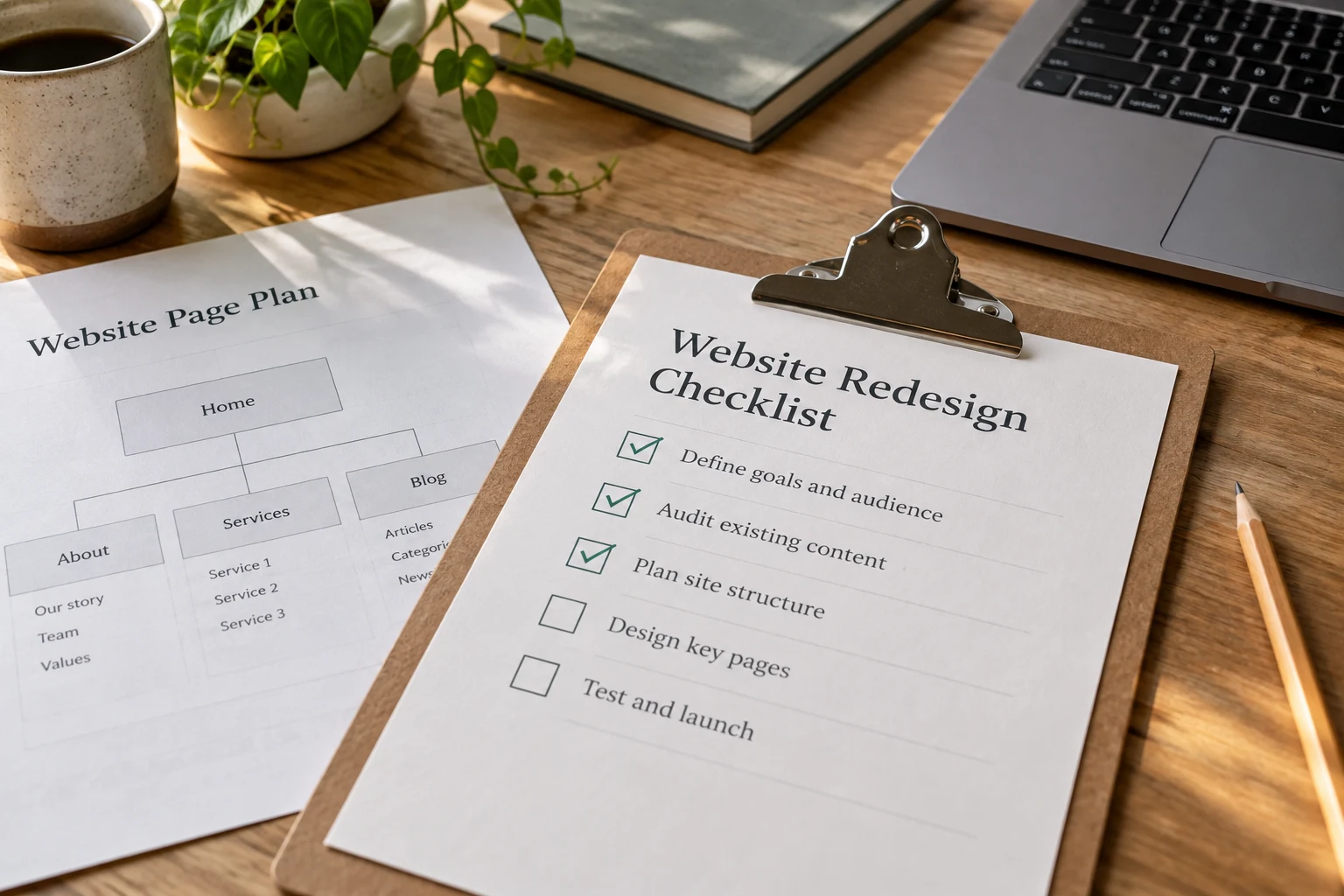
Website redesign checklist

Website redesign checklist planning illustration

Your redesign checklist

  • List the current pages and identify which to keep, combine or remove.
  • Check which pages receive search visits and enquiries.
  • Confirm the current service details, contact information and photos.
  • List what your staff need to edit through the CMS.
  • Map old page addresses to their replacements.
  • Test the mobile menu, enquiry forms, email links and WhatsApp links.
  • Check page titles, descriptions and image alternatives.
  • Confirm domain access, hosting, backups and launch responsibilities.
  • Arrange CMS training before handover.
Back to contents ↑

Tell us about your website

Send your current site, the pages you need and your target date. We will discuss the scope and prepare a quote.